Quick Start Guide
Edit on GitHubThis page is for all new Equalify users. Whether you are a product owner looking for accessibility insights or a developer looking to embed accessibility into your practice, this page will help you get started with Equalify's platform, covering how to create an account and access the platform.
Access & Onboarding
Email invite
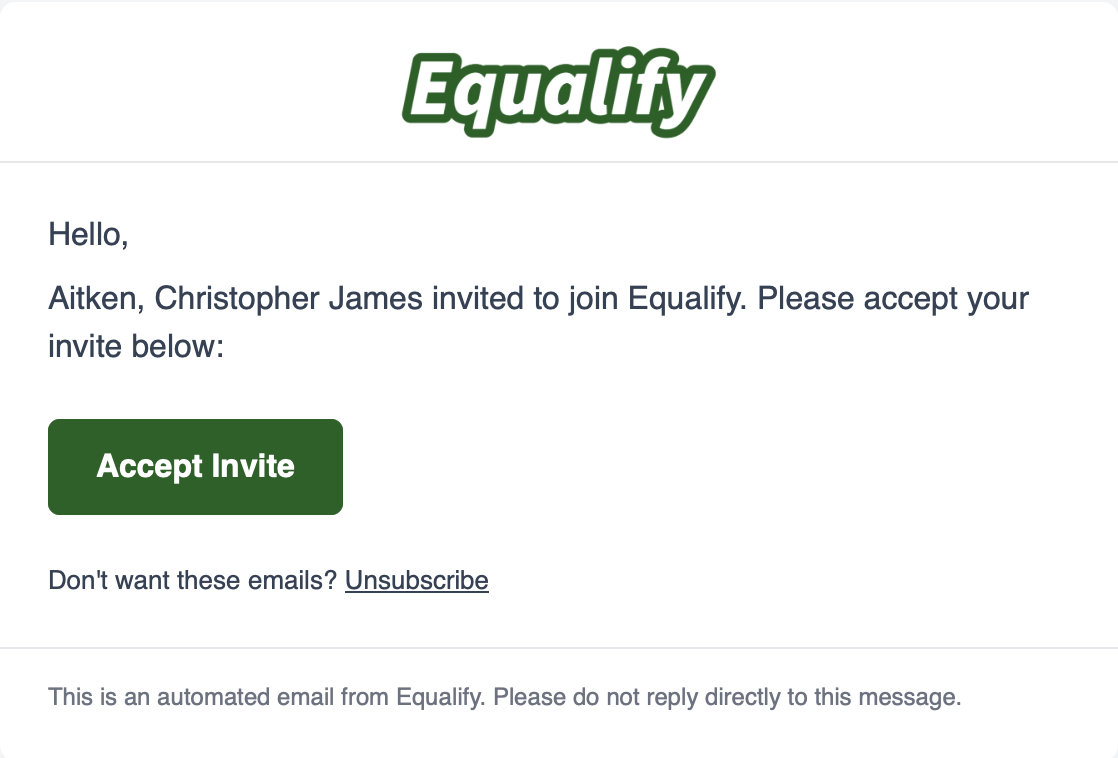
Once added by an Admin, you will receive an email from noreply@equalify.uic.edu with the subject "You are invited to join Equalify".From the email invite, select "Accept Invite" to be redirected to the Equalify sign-in page.
💡Tip: Managing a workspace’s access? See the 🔗”Manage User Access”.md) page for more information about adding users to your team.
Logging in
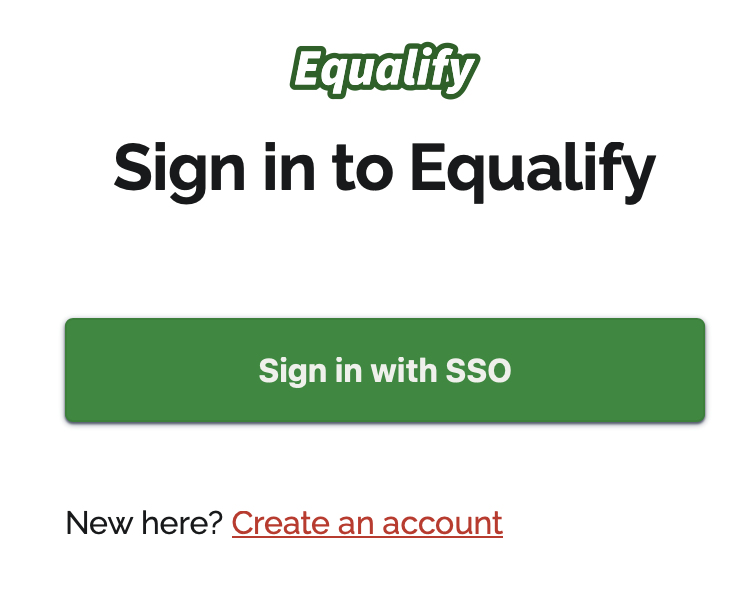
Depending on how your organization manages Equalify you can sign in using Single Sign-On (SSO) or Create a New Account, via the Sign Up for Equalify form.Using SSO to Log In
If your organization has set up SSO for Equalify, the sign-in screen shows two options:- I have access: If an administrator has already approved your access, select "Sign in with your organization account" (the button may name your organization) and log in using your existing credentials.
- I need access: If you haven't been approved yet, select "Request access", enter your name and institutional email address, and submit the form. An administrator reviews requests from Account > Requests, and you'll get an email once you're approved.
⚠️Important: Having an account with your organization doesn't give you access to Equalify on its own — an administrator must approve your access first. If you sign in before being approved, Equalify shows the account you signed in with and offers a "Request access" button with your details already filled in, or lets you switch to a different account.
Creating a new account without SSO
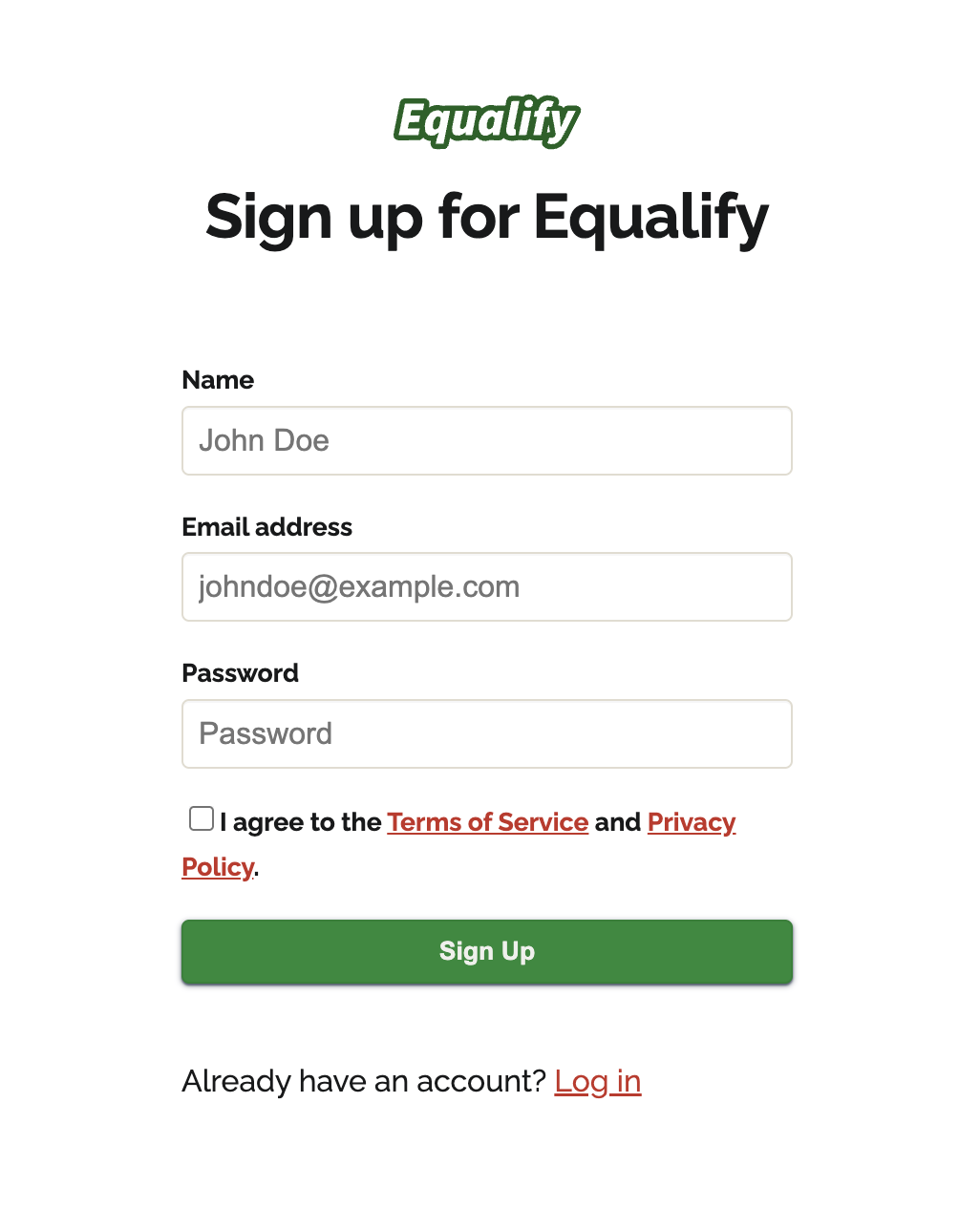
If your organization does not have SSO set up for Equalify, you will be asked to create a password, which you will then use (along with your email) to log in.From the email: Select “Create an Account” and fill in your details. You must use the same email address that the invite was sent to.
💡Tip: Unsure if SSO is active for your organization? Ask your Equalify administrator for help.
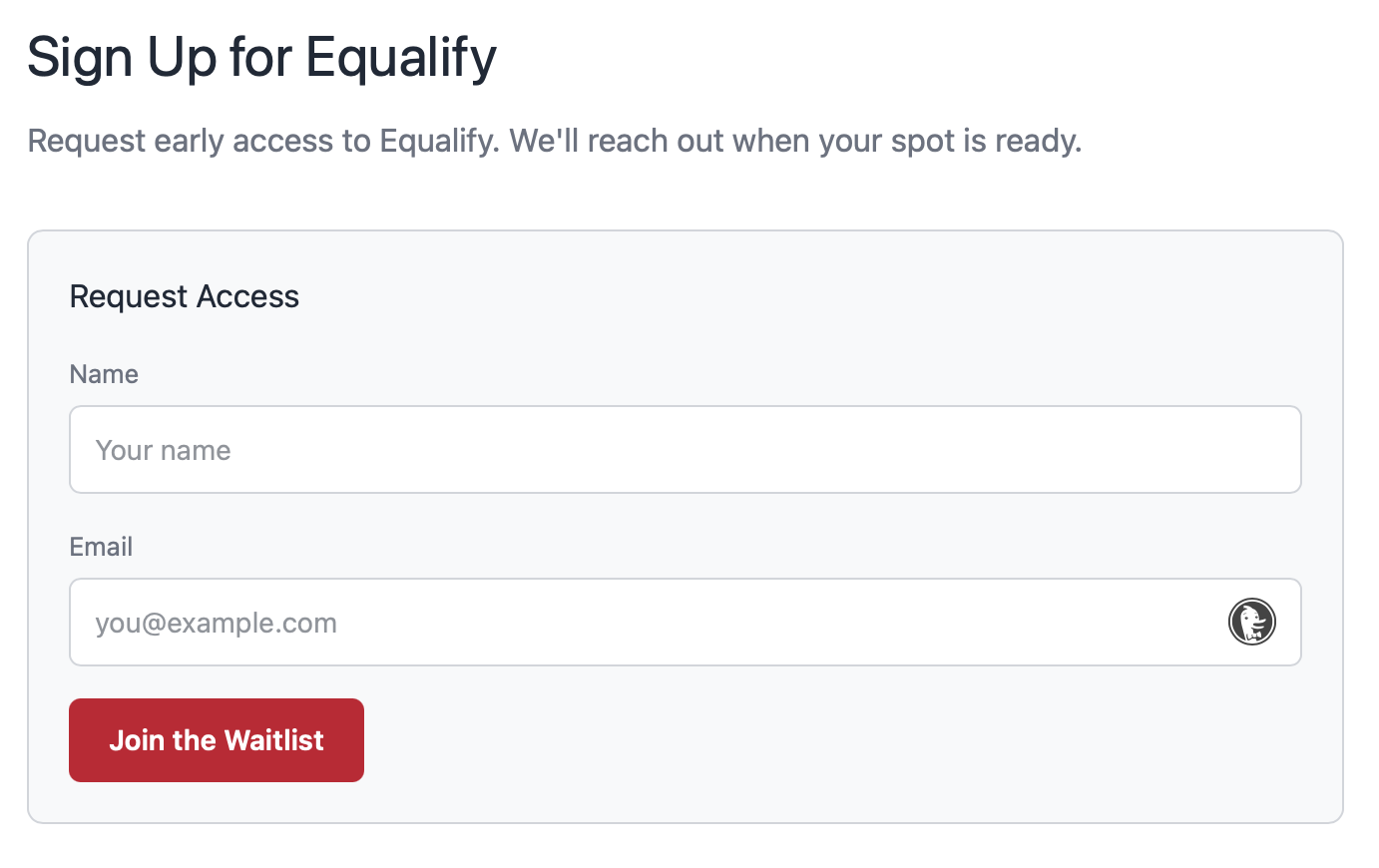
Sign Up via Waitlist
Currently, Equalify is invite-only available only to Equalify partners. In the future, the "Create an account" option will be widely available. Everyone interested is welcome to join the early access waitlist: https://equalify.uic.edu/signup