What Gets Logged and the Importance of Audit Logs
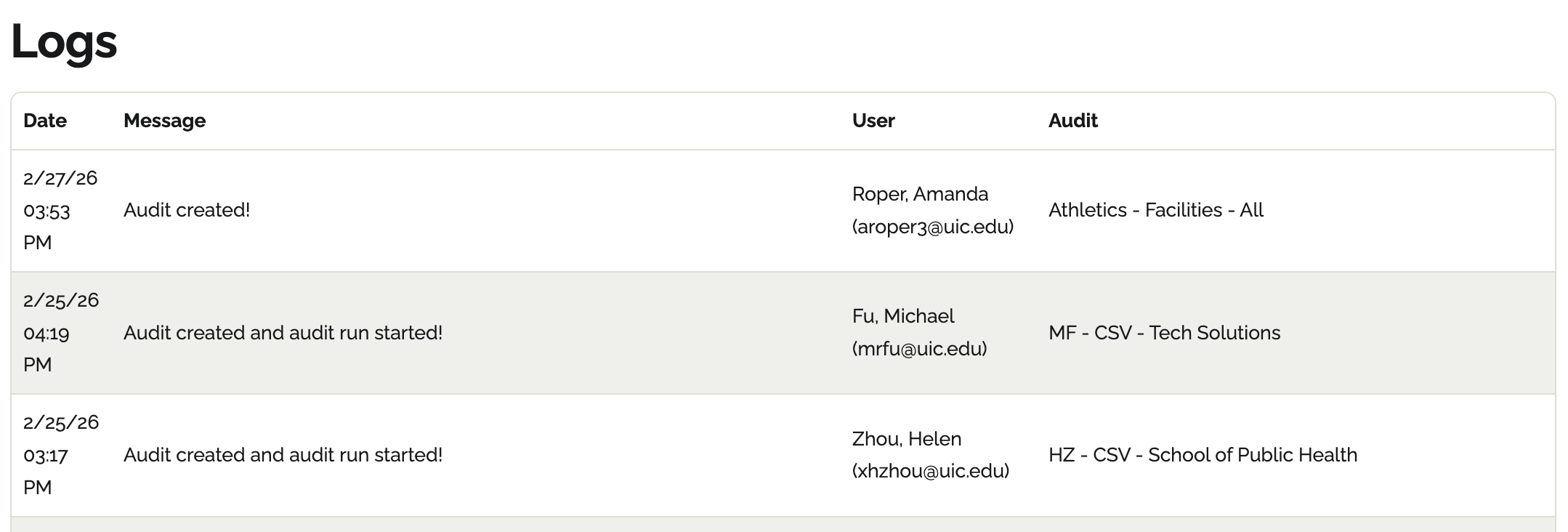
Edit on GitHubThis page is intended for Compliance Officers and Department Heads who require a record of institutional progress. The Logs screen tracks critical user actions such as when scans are run or when pages are added-providing the necessary verification for internal accessibility audits and accountability.
Logs overview
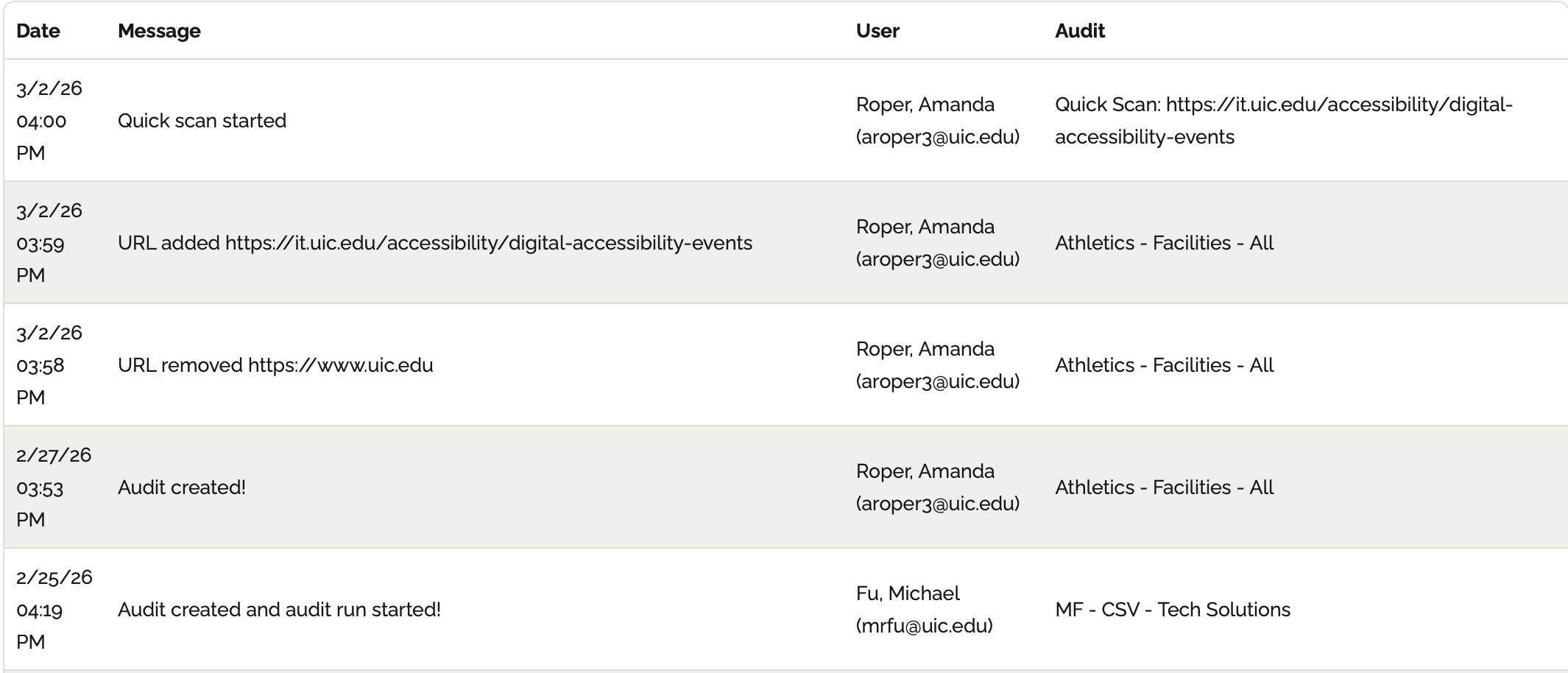
Equalify logs user actions across a workspace, including:- When a user runs a scan
- Adding pages
- Deleting pages
⚠️ Important: Logs do not show when you ignore or reactivate blockers. To view these changes, check the audit report's Detailed View.
Importance of Audit Logs
Logs are critical for demonstrating progress over time and for ensuring accountability across organizations.- Verification: You can demonstrate over time that you are actively monitoring and addressing accessibility issues.
- Accountability: Logs track who made changes to audits or audit configurations.