Running an Audit
Edit on GitHubThis page is for all users ready to initiate an audit and view immediate accessibility results, as well as what to expect when scanning.
Start the audit
When you are ready, click "Save and Run Audit". At this time, you can navigate away from the page and return to check the progress.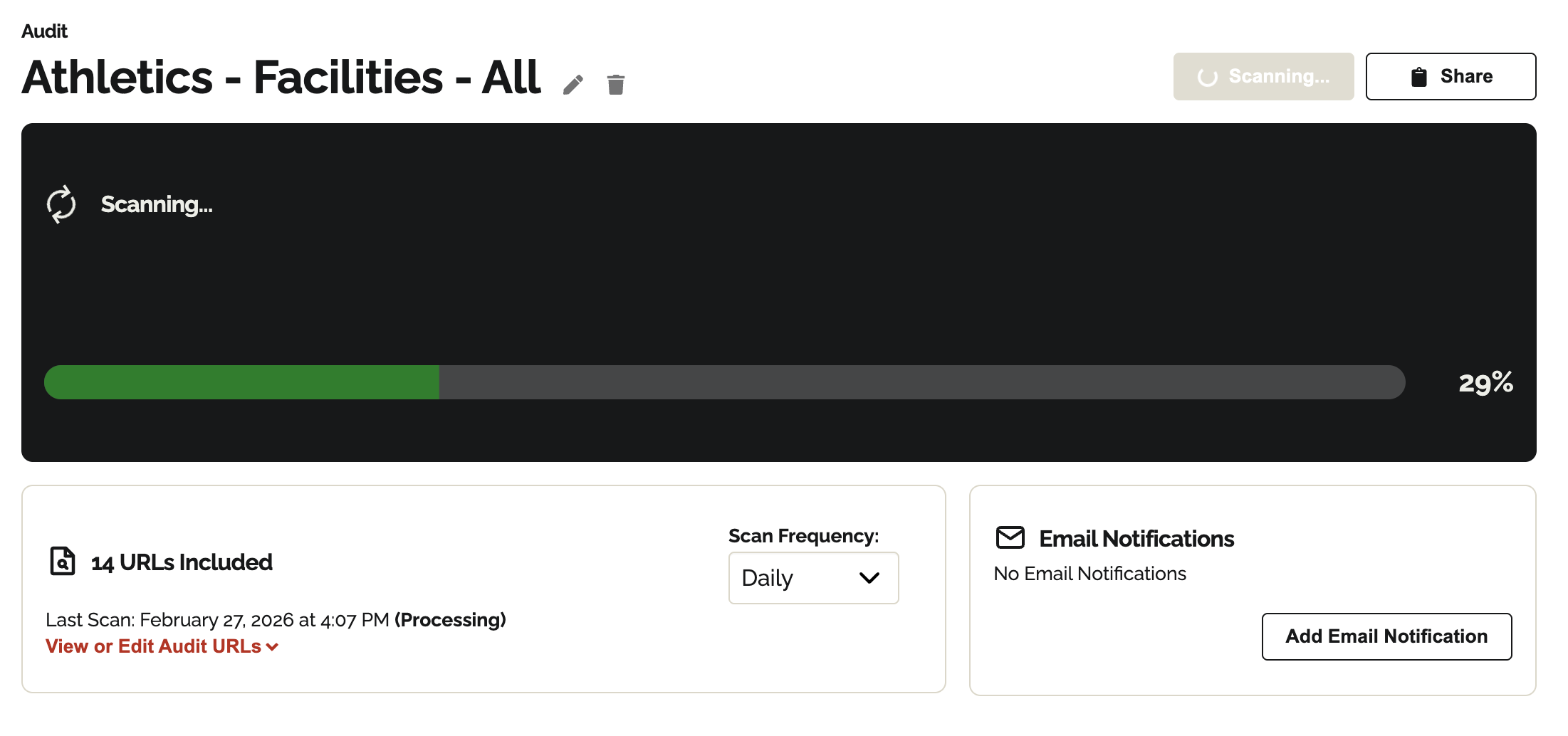
The scan time depends on how much content you are scanning and the size of the documents. Larger PDFs with a lot of data, or entire sitemaps with hundreds of pages, will take longer to scan. In general, scans with fewer documents are quick and take less than 10 minutes to complete. Audits with many hundreds or thousands of URLs can take several hours; you can close the page and come back later, or turn on email notifications to be told when the results are ready.
Once complete, the dashboard will display:
- The number of blockers.
- The number of URLs with blockers.
- URLs with the most blockers.
- The most common blockers.