Understanding the Logs Screen
Edit on GitHubThis page is intended for Compliance Officers and Department Heads who require a record of institutional progress.
Logs access
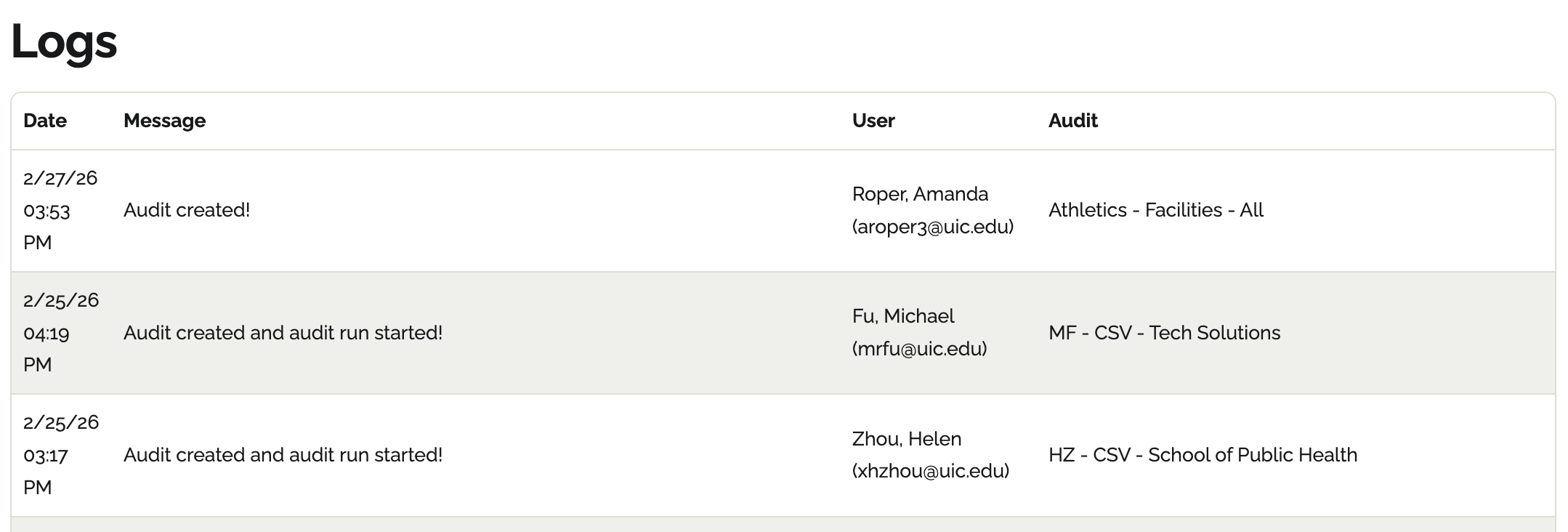
Access Logs via the main navigation menu. There are four main components of a log:- Date: This displays the date and time the change occurred.
- Message: Detail on what changed.
- User: Who was responsible for the change.
- Audit: This identifies the specific audit and location of the change.