Notifications Reporting and Sharing
Edit on GitHubThis page is intended for Project Leads, Accessibility Specialists, and Developers who need to communicate findings to stakeholders who may not have platform access. You can set up email notifications to keep yourself or your team updated on audit results. Email notifications keep you from having to manually check the dashboard to stay informed.
Managing email notifications
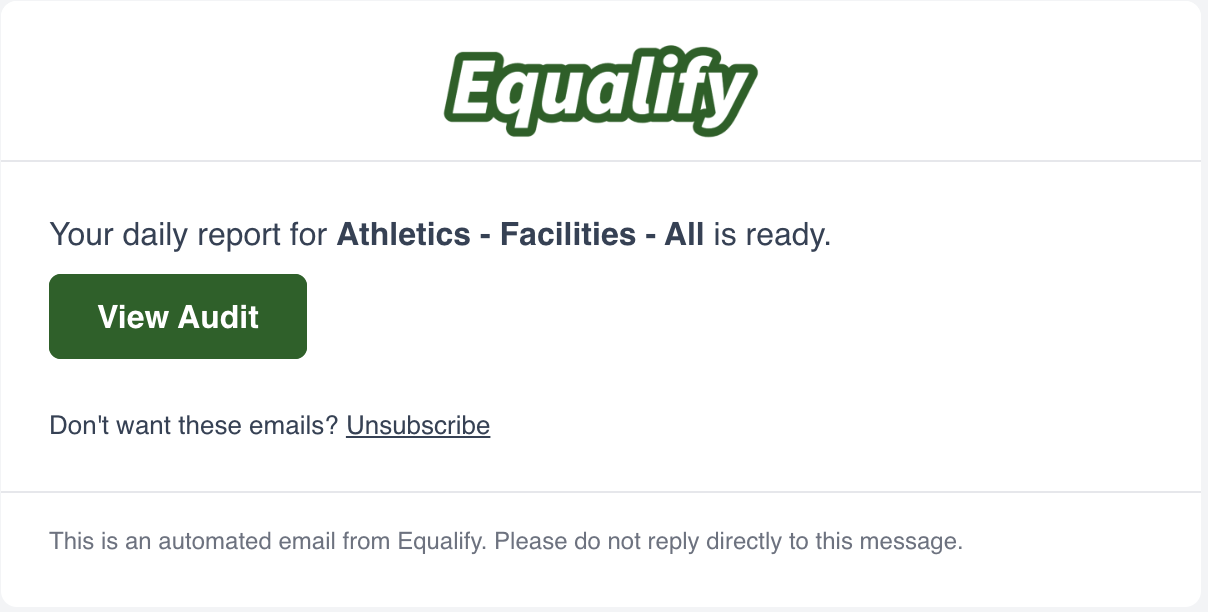
Set up email notifications ("email notifications") You can add Notifications while creating or editing an audit. Frequency options include:- Daily
- Weekly
- Monthly
💡Tip: Suggested frequency: We suggest monitoring at least monthly. When a new release or major update occurs, we recommend you manually run a scan to see the impact the changes had on the experience quickly.
Preparing and Sharing Reports ("Sharing reports")
You can share audit reports with others, even if they don't have an Equalify account.- Configure the audit by selecting ignore items that are not relevant.
- Click "Share" to generate a public URL you can send to your team or stakeholders.
⚠️Important: Rule and Accessibility Standard filters do not save to reports.
⚠️ Important: Sharing a report allows others to view it. It does not permit them to edit the report. Only users with administrative credentials and proper access can edit audits.
When someone opens a shared report link without an Equalify account, a banner appears at the top of the page reading "You are viewing a shared accessibility report." The banner also includes a Log in link for users who do have an account and want to switch to the full authenticated view.