Viewing my Audits and My Workspace’s Audits
Edit on GitHubThis page is intended for Project Leads and workspace members who need to monitor the status of multiple projects. Once logged in, Equalify takes you to the Audits page. Here you can see all audits you have initiated and filter to view all audits your workspace has created.
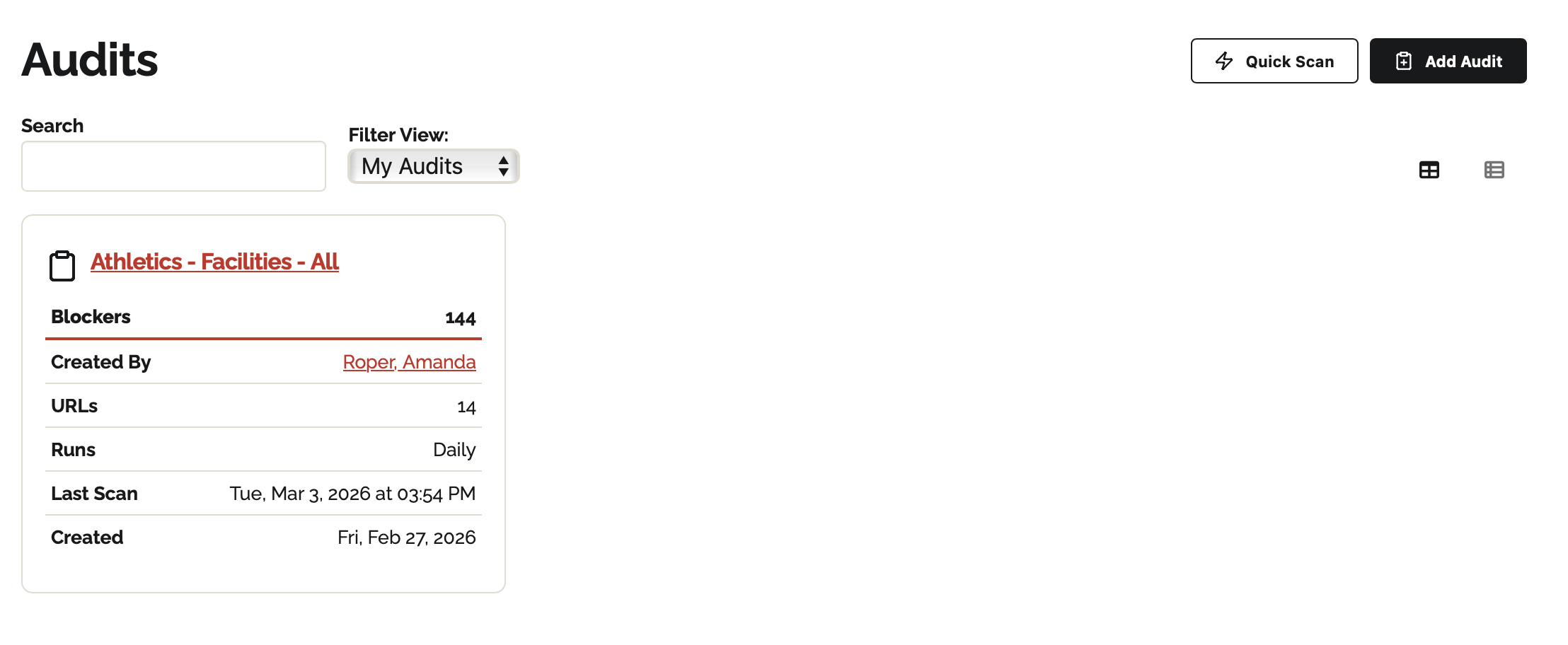
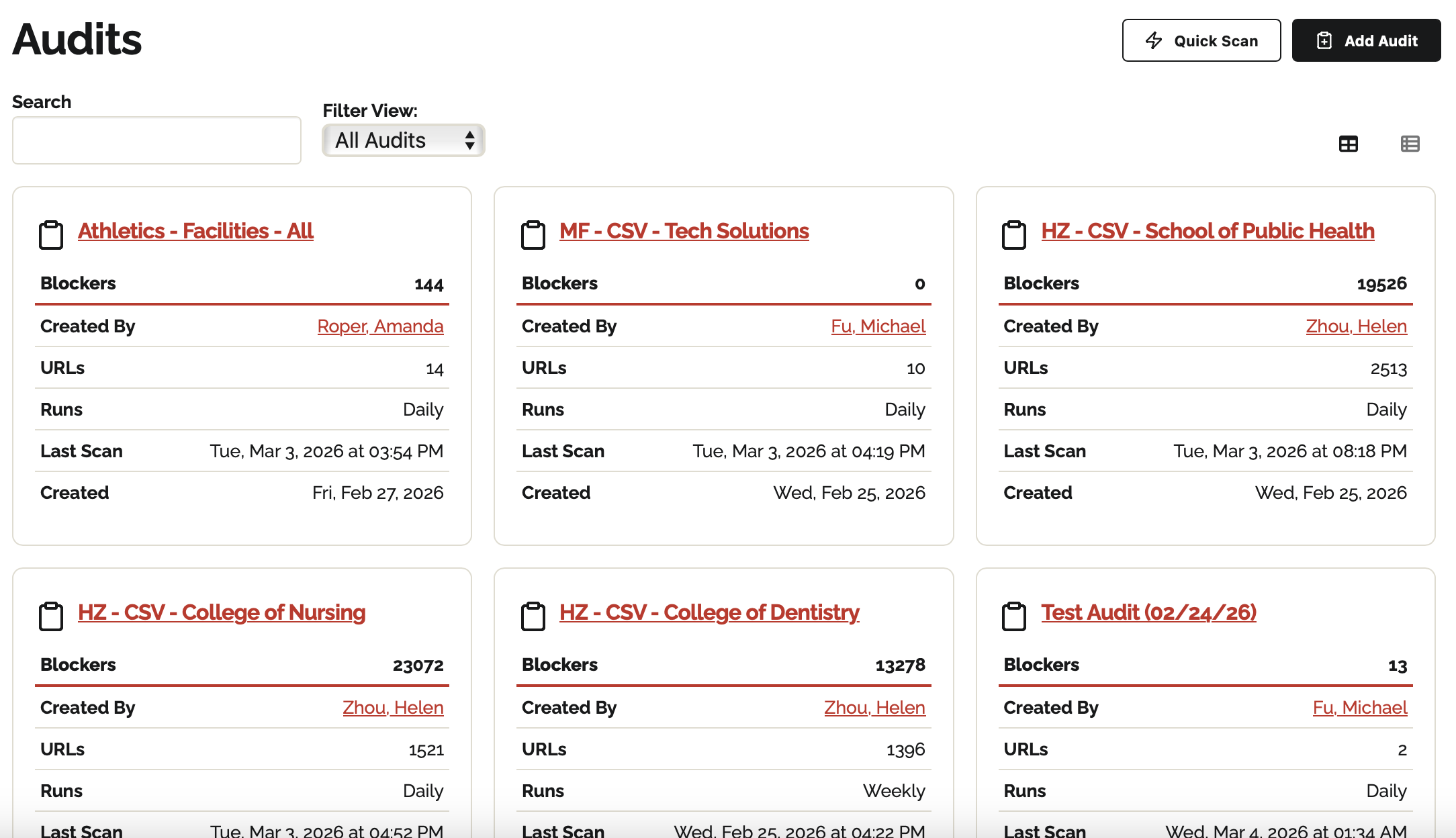
Audit Cards: Each audit card provides a snapshot of the project's current status:
- Blockers: The total number of unresolved accessibility issues.
- URLs: The volume of pages or PDFs included in the scan.
- Runs: The automated frequency of the scan (e.g., Daily, Weekly, or Monthly).
- Last Scan: The timestamp of the most recent data collection.
- My Audits: Hide your workspace’s audits and only show the projects you created.
- All Audits: See all audits happening across your workspace.
💡Tip: Quick scans you or your workspace members created do not show up in either view