Setting up custom chart and table views "Tuning."
Edit on GitHubThis page is intended for Project Leads, Accessibility Specialists, and Developers to refine report data by removing "noise". Before sharing a report with stakeholders, it is helpful to tune your data. An out-of-the-box scan may contain "noise," such as false positives or template-level issues, that can overwhelm a reader and obscure the most critical fixes. By reviewing and refining your report, you ensure that stakeholders receive a clear, actionable list of blockers rather than clutter.
Ignoring Blockers
Sometimes, a scan might flag something that is a false positive or an issue you cannot fix immediately (e.g., a template issue). You can click the Ignore button on any blocker. The blocker is removed from your total count immediately.Furthermore, the ignore status is persistent. Meaning, future scans will continue to ignore this blocker, so it doesn't clutter your report. You can always View Ignored items and reactivate them if needed.
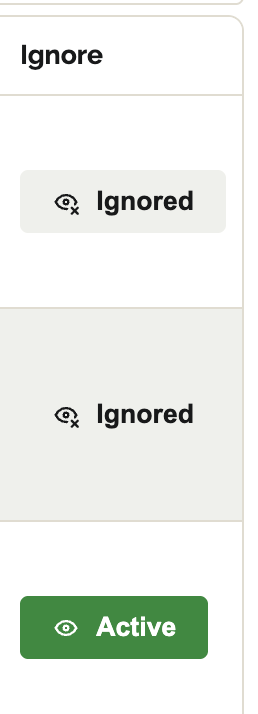
When an issue has been ignored, the chart immediately updates with an updated blocker count.